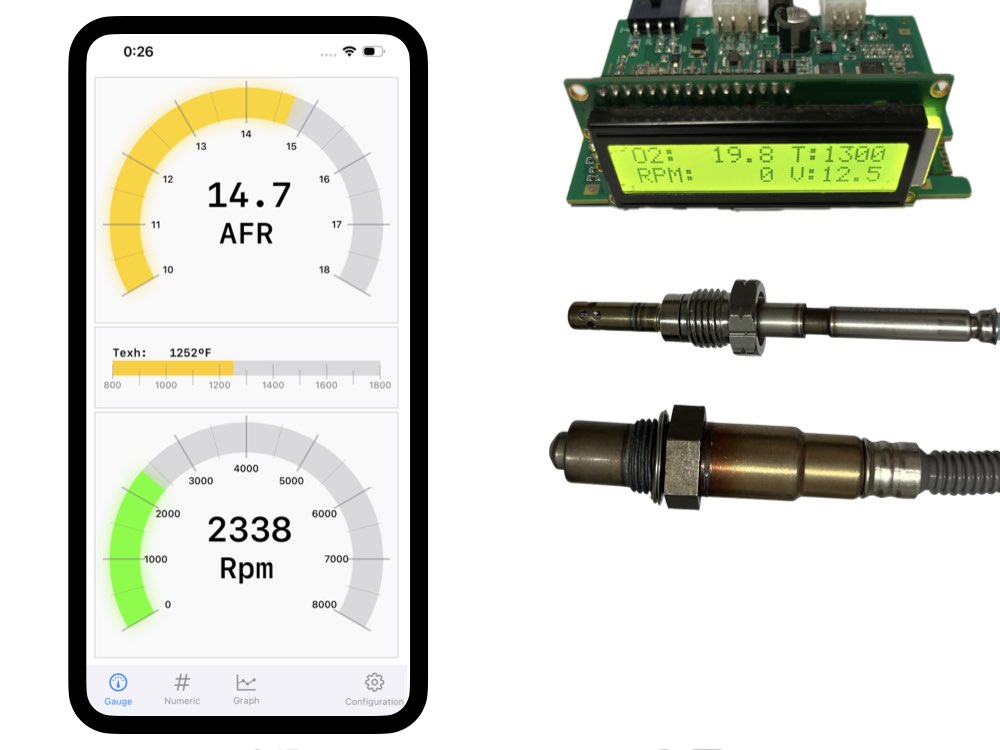
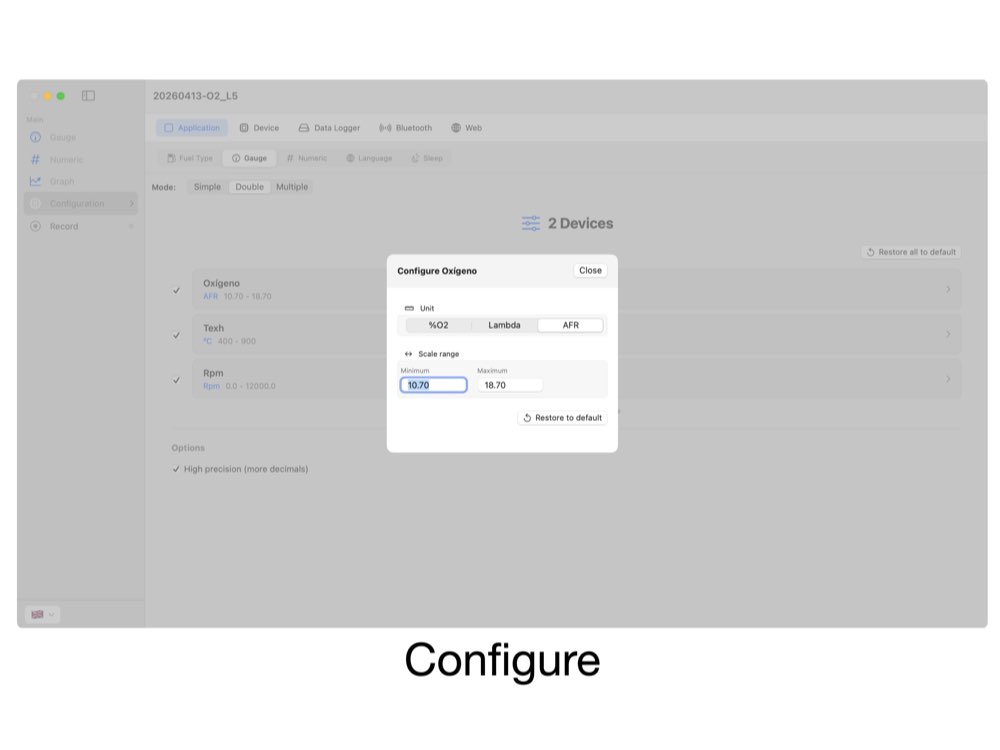
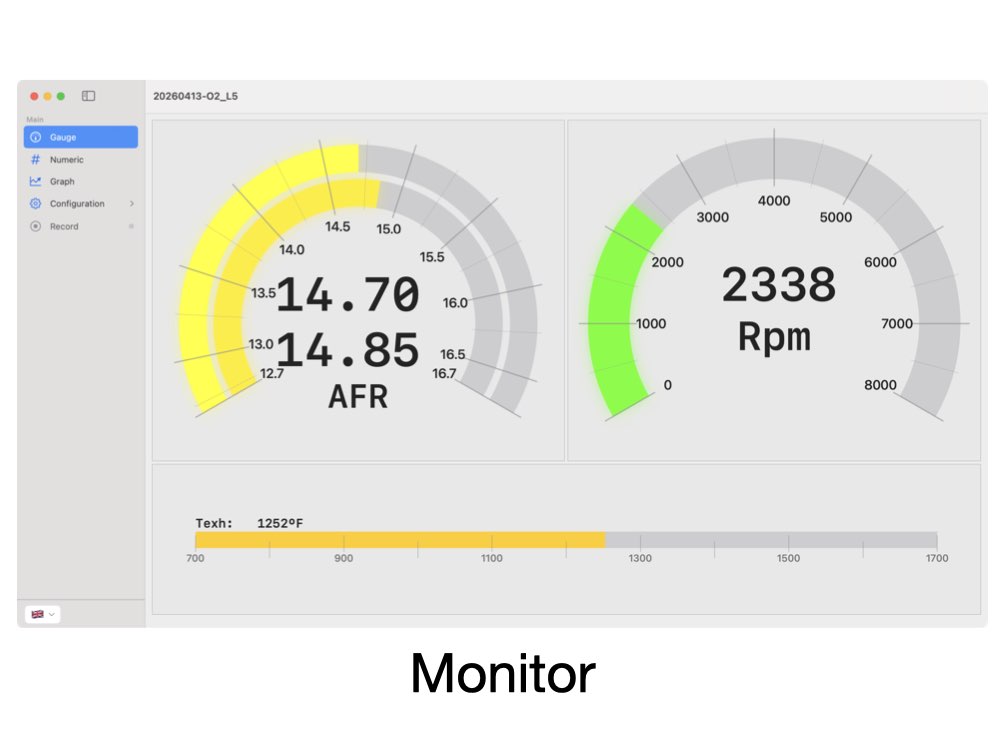
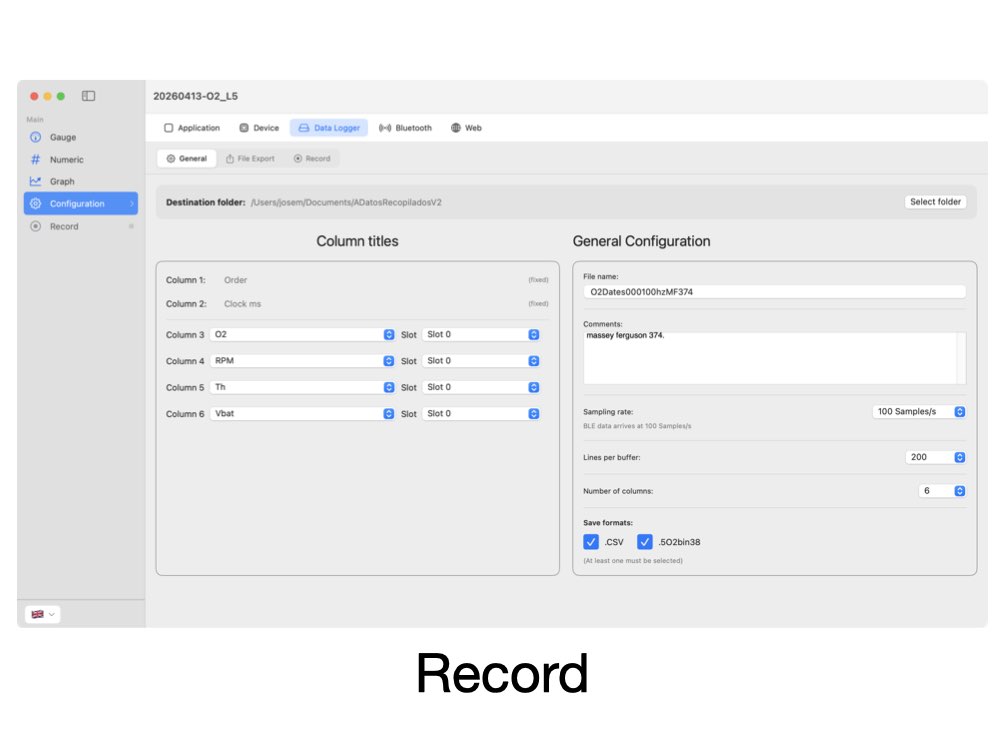
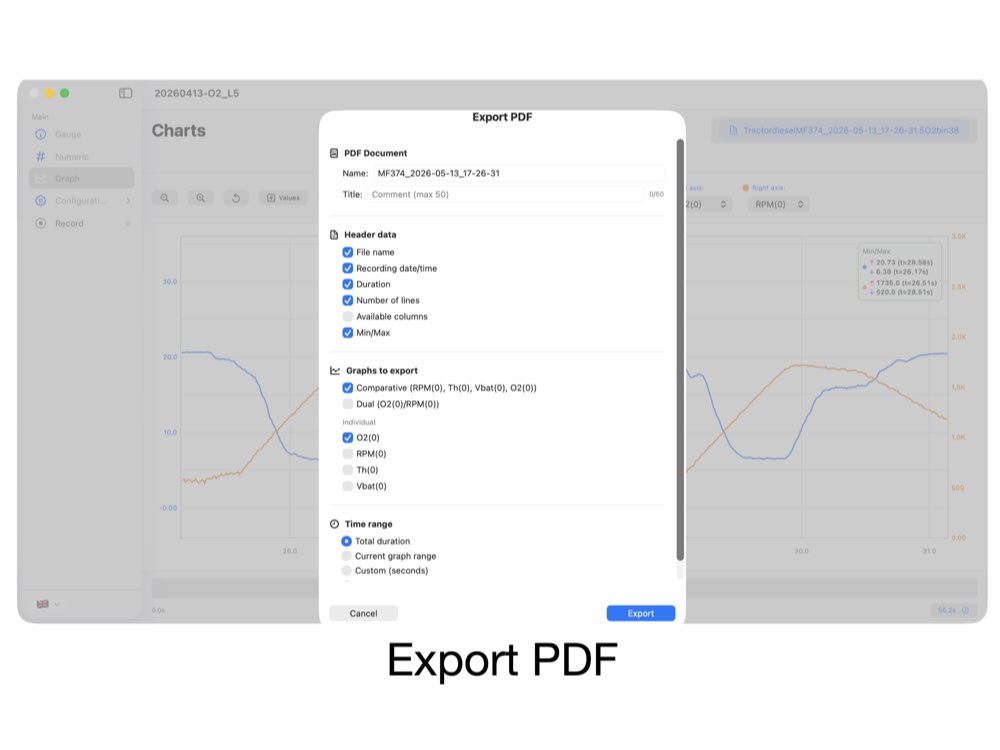
Downloads: Smartphone App “Controlduino: Lambda-tuning”.


Android — not on Google Play yet. Write to us and we will tell you how to install it.
Description
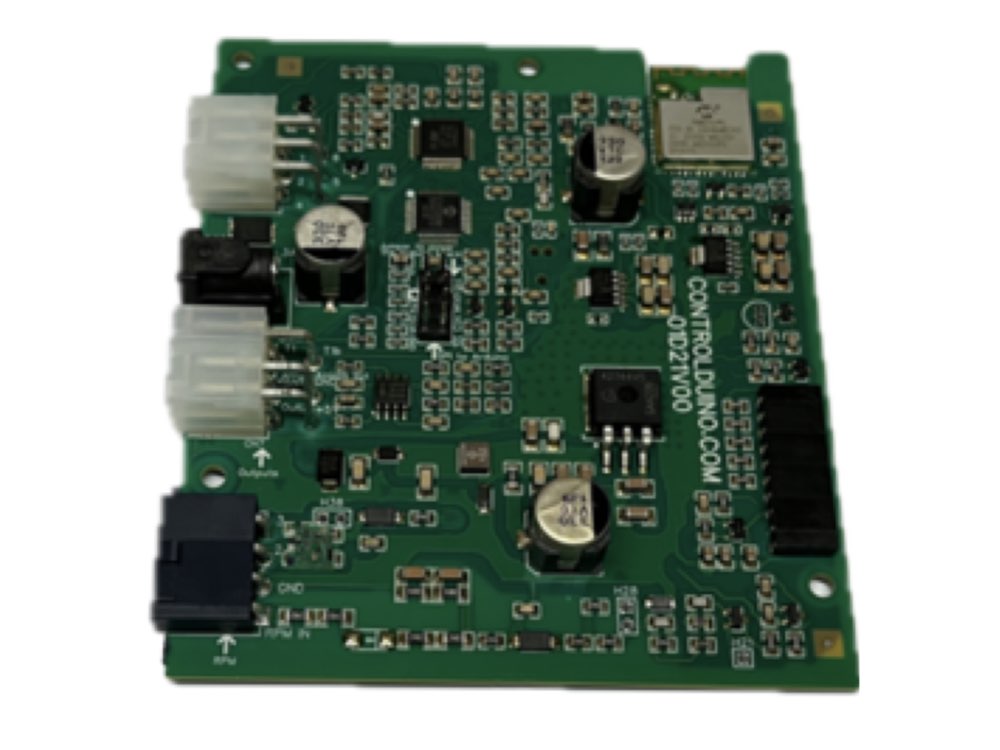
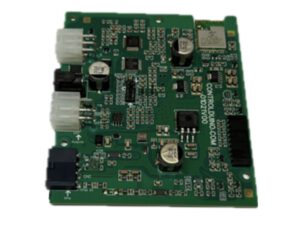
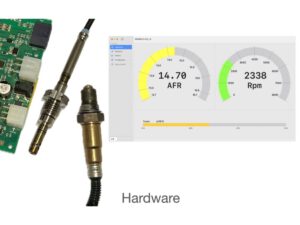
The 01D21V00 Module is a plug-and-play wideband lambda controller, ready to use: just connect the power and sensor cables and it works.
It measures:
- Oxygen (%O₂), Lambda and AFR (air–fuel ratio).
- RPM.
- Exhaust gas temperature (EGT), up to 1000 °C.
- Battery voltage.
Three ways to view and use your data:
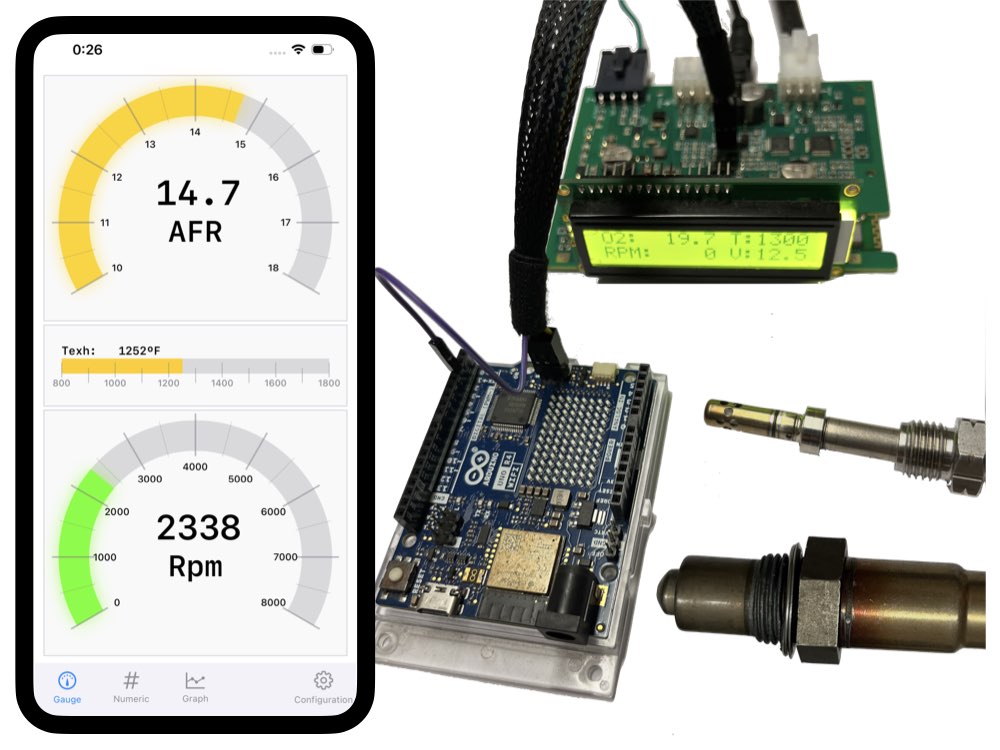
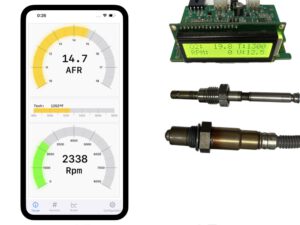
- LCD screen — shows the measurements directly on the board.
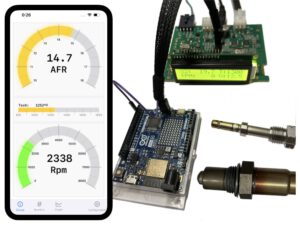
- App — connect from iPhone or Mac over Bluetooth to view, log and graph your data (coming soon for Android).
- Arduino — integrate it into any project over the SPI bus, without wasting the board’s resources.
It works on its own, with no need for Arduino, and is suitable for combustion engines, burners, boilers, stoves and any combustion exhaust gas application.
Advanced app for lambda tuning, monitoring, logging and analysis.
Live readings, data logging and graphs. Features vary by platform.
| iOS & macOS | Android | |
|---|---|---|
| Devices connected at once | 1 to 8 (tested on iPhone 13 and newer) | 1 tested |
| Live readings | Yes | Yes |
| Data logging | Yes — 100 samples/s | Not yet |
| Graphs | Yes | Not yet |
| Module setup | Lambda, RPM, analog output, display | Lambda, RPM, analog output, display |
Tested on iPhone 13 and newer, and on one Android device at a time. Older iPhones and multiple Android devices may also work, but we have not tested them. The app is updated regularly and features are added over time.
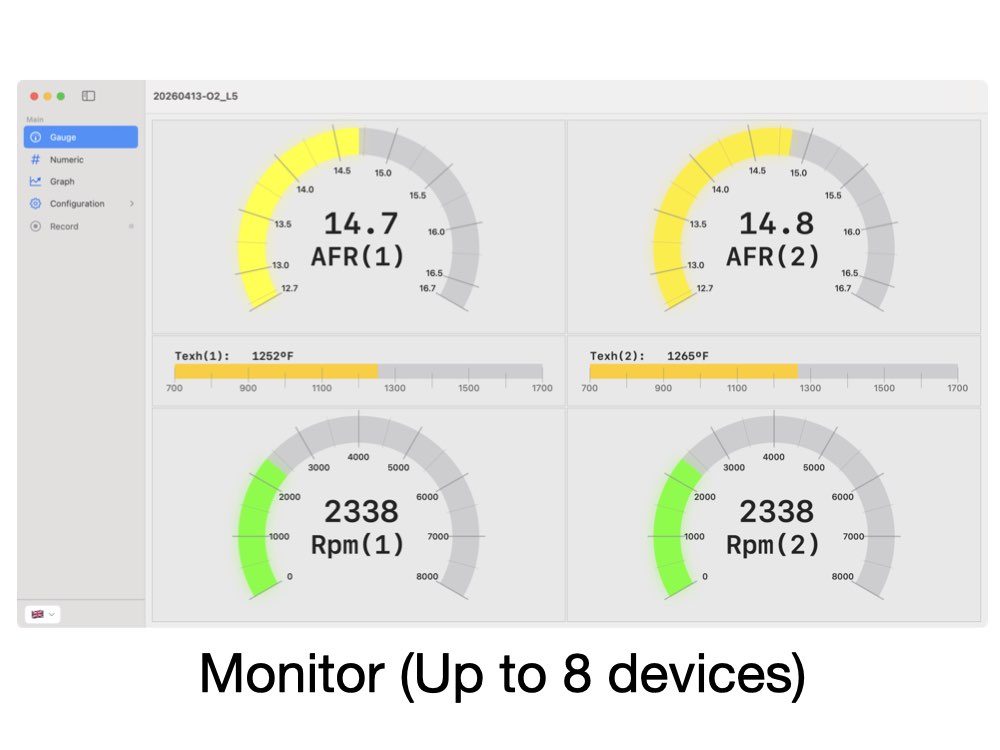
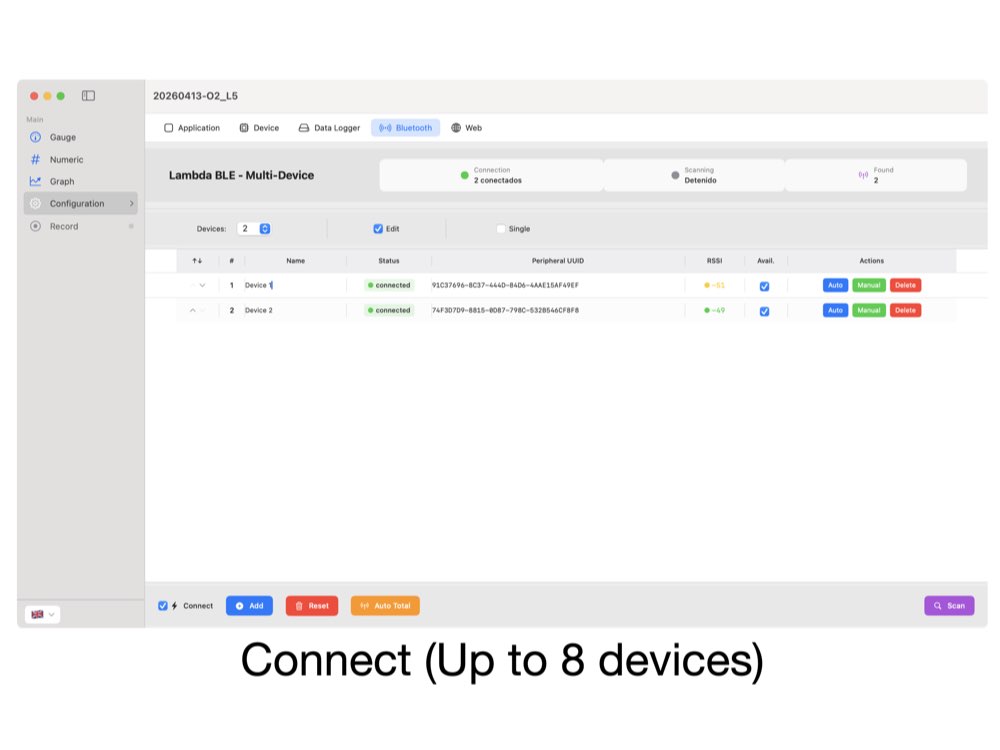
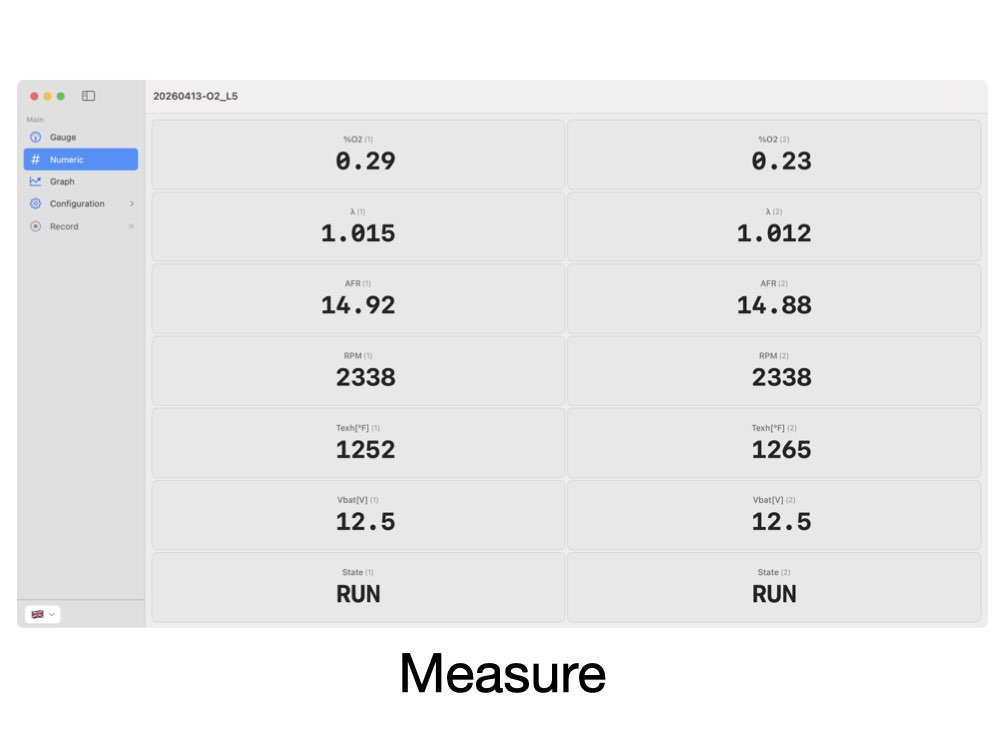
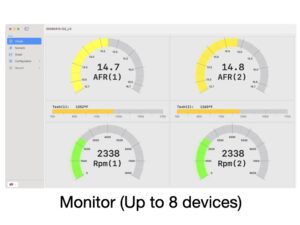
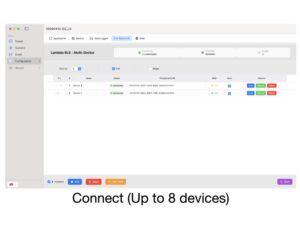
The 01D21V00 Module and its app form a single system. The app connects to the module over Bluetooth and turns your iPhone or your Mac into a complete measurement and control panel: real-time readings, configurable display, data logging and full control of the device. You can connect up to 8 devices simultaneously.
Real-time readings
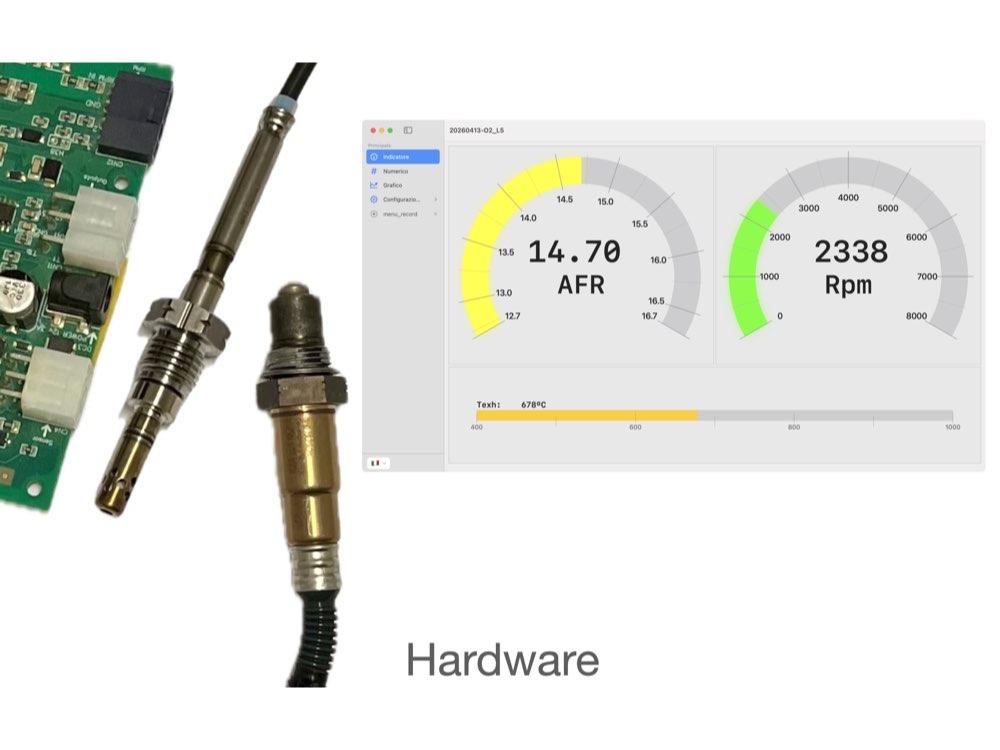
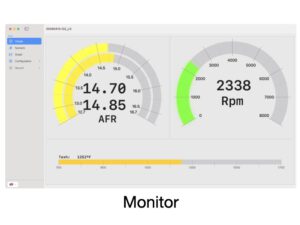
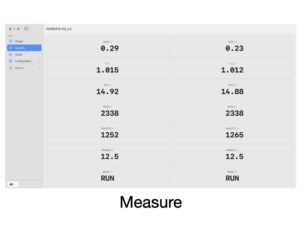
See at a glance the lambda value, the AFR for different fuels, the oxygen percentage, the RPM and the battery voltage. The data updates live while the engine or burner is running.
Highly configurable display
Tailor the view to your use: choose which measurements to show and how, select the units, and display values as gauges or numeric values. When several devices are connected, choose which data to show from each one.
Log, analyze and export
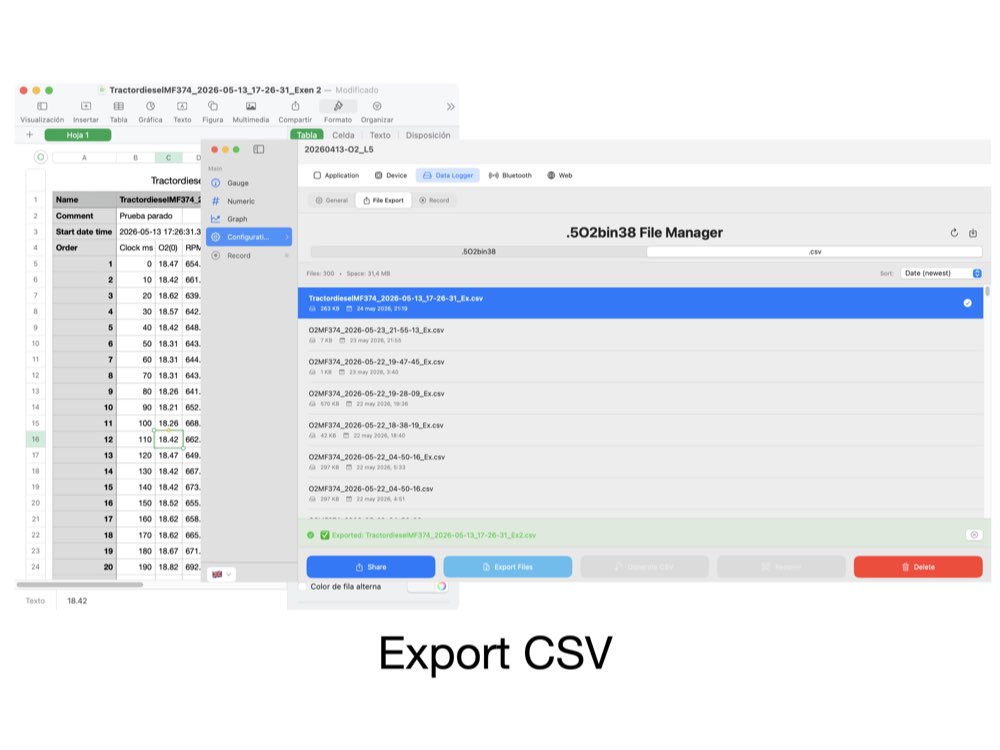
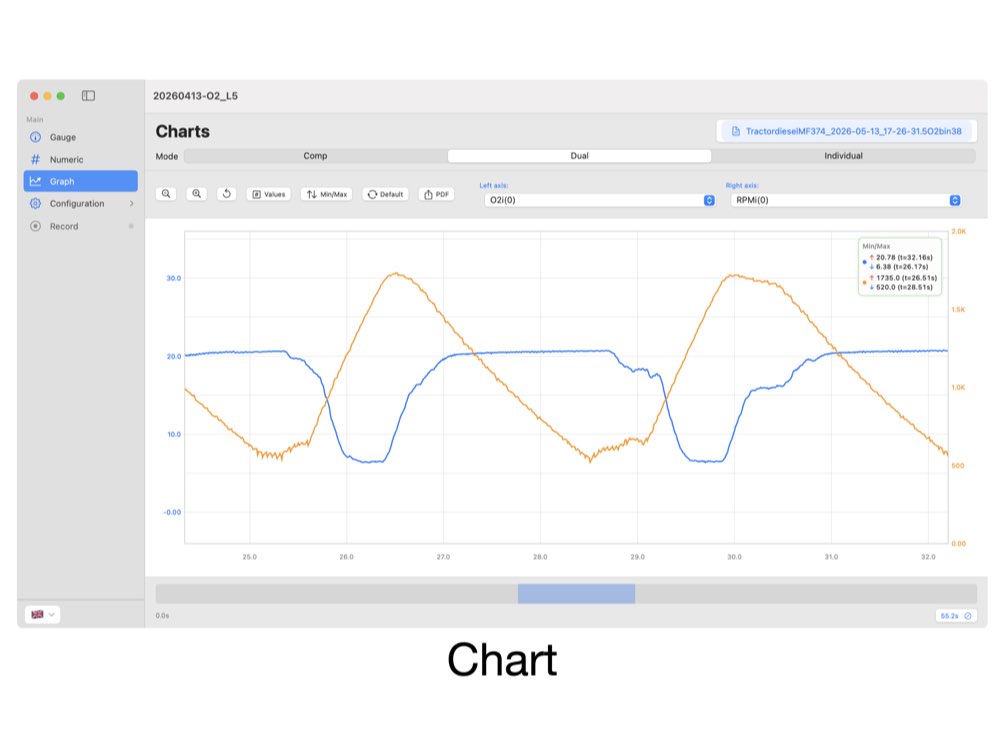
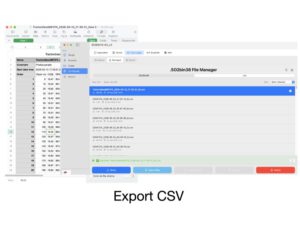
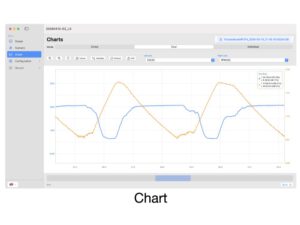
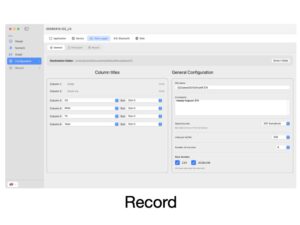
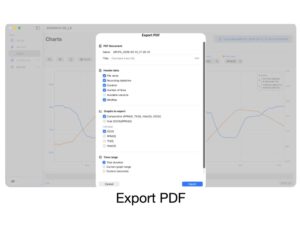
Log your measurements and plot them on graphs to study behavior over time, compare settings or spot problems. Configure the logging rate and which data to store. Export the values as CSV and the graphs as PDF to analyze them in other tools or share them.
Control the whole module from the app
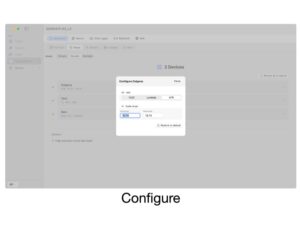
The app is the configuration hub of the 01D21V00 Module. From it you can:
- Choose which values are shown on the LCD screen.
- Customize the analog output: select the measurement and adjust the output voltage curve.
- Adjust the RPM, manually or automatically. (Also configurable via Arduino.)
- Select fuel and filters, and calibrate the O₂, Lambda and AFR values to improve accuracy. (Also configurable via Arduino.)
Secure connection
The first pairing of each device with your Mac or smartphone is done using the password supplied with the unit. Once paired, the connection is automatic.
All features
- This is a plug-and-play device.
- This module does not require an Arduino board to function, but it is compatible with one. For more information on Arduino, please refer to the relevant sections further down this page.
- Microcontroller integrated on the board.
- Wide range air fuel sensor control interface.
- Compatibility with wideband lambda probe BOSCH lsu 4.9
- Compatible with temperature sensors up to 1000°C BOSCH EGT-PT200 .
- RPM measurement can be obtained from any of the following signals:
- Alternator phases
- Square-wave or sinusoidal speed signals.
- Low-voltage side ignition coil signals.
- Others. The device has several inputs adapted to each different input signal.
- Low-energy Bluetooth module (BLE 5.2) from Microchip Technology.
- Highly configurable via the app (analog output, RPM, O₂/Lambda/AFR, LCD), with some settings also configurable via Arduino.
Required components
- Module. Controlduino 01D21V00. — cables included:
- Wideband lambda probe connection cable (connector 1813139-1) with Shield (2×3 Connector 5557).
- EGT temperature sensor connection cable () with module (2×1 Connector 5557).
- Input cable for RPM connector with module.
- DC power jack cable — for the power supply
- Sensors (not all sensors are required for operation; you can install only those for which measurement is required. Add them in the product options, only if needed):
- Wideband lambda probe, Bosch LSU4.9 or compatible.
- Temperature sensor BOSCH EGT-PT200.
- LCD Display 1602 with SPI interface. (Add it in the product options, only if needed)
- Power supply (only one is required).
- 12V battery.
- AC/DC power supply. 12V 3A. (Add it when configuring your order, only if need)
Optional items (add-ons) :
(Add them when configuring your order, only if need)
- M18x1.5mm socket for a lambda sensor.
- M14x1.5mm socket for an exhaust gas temperature sensor.
- Logic level shifter for SPI, 3.3 V ↔ 5 V. (only for 3,3V Arduino boards)
- …
Downloads: Tech manual. Controlduino 01D21V00.
(Plug-and-play for use without Arduino boards)
[wpdm_package id=’1293′]
M18 x 1.5 weld-in bung for the lambda sensor, with optional blanking plug. Only needed if the exhaust or flue has no threaded port. Add the plug only if the sensor will be removed and the port has to be closed.
230 V AC mains power. Not needed if you run it from a vehicle’s 12 V DC supply.
Logic level shifter for SPI, 3.3 V ↔ 5 V. Only needed with 3.3 V Arduino boards.
For Arduino
Optional section You do not need any of this to use the ProEverything above is all you need. What follows is only for connecting the Pro to an Arduino.
Compatible with Arduino
This module does not need Arduino to work: it can take all the measurements, send them over Bluetooth to the app and show them on a small LCD display on its own, and its configuration is done from the app over Bluetooth.
Even so, it is fully compatible with Arduino. Its measurements can be read from an Arduino over an SPI bus, and that same bus can be used to change some of the board’s settings. Note: the module’s LCD keeps working alongside the Arduino, but if the Arduino requests data (samples) at a high rate, its refresh may slow down or become intermittent, so it is best to disable the modules LCD it in that case.
It integrates into any project quickly and easily, without wasting the Arduino board’s resources. This is possible thanks to the integrated microcontroller, which controls the probe temperature, performs all the calculations, monitors diagnostics and only sends data to the Arduino when requested.
The «Lambda_tuning.h» library handles control of the board and lets you obtain the measurements easily: it manages the communication and some unit conversions, so you can add the module to your project quickly and with no prior knowledge.
Features for Arduino use
- Plug-and-play: ready to use with no need for Arduino, but with an SPI bus to connect it whenever you want.
- Power for your Arduino: 5 V, 300 mA output to power your Arduino or a small project (a display, a Bluetooth module, etc.), through the H8 jumper.
- Safe, efficient power supply from a 12 V transformer or car battery:
- Reverse-polarity protection
- Transient surge suppressor
- EMI filter
- SPI connections protected against short circuits.
Arduino board compatibility
5 V boards (SPI):
- MEGA
- UNO R3
- UNO R4 Minima
- UNO R4 WiFi
- Others, compatible but untested
3.3 V boards (via a 3.3–5 V SPI adapter):
- Nano
- Others, compatible but untested
Library of functions
The library contains functions for sending commands, taking data and making more advanced settings, the main functions do the following tasks:
- Power on/off.
- Configuration.
- Reading data
- O2
- Lambda
- AFR(diesel, gasoline, other fuels…)
- RPM
- Exhaust gas temperature (EGT).
- Battery input voltage
- Other more advanced.
- Diagnostics
- Adjustment or calibration
- Enable or Vary the digital filter
- Enable o Enable compensation for pressure variation.
- Sending pressure data from the arduino to the module.
- Auto shutdown time adjustment.
- Parameter settings for rpm calculation.
Downloads: Technical manual and appendix for connecting to an Arduino board.
[wpdm_package id=’1293′]
Downloads: Library of functions.”Lambda_d.h”
[wpdm_package id=’1485′]
Downloads: Software for Arduino
[wpdm_package id=’911′]
[wpdm_package id=’912′]
[wpdm_package id=’915′]
[wpdm_package id=’917′]
[wpdm_package id=’928′]
[wpdm_package id=’925′]
Component datasheet
Bosch wideband lambda sensor LSU4.9
[wpdm_package id=’229′]
[wpdm_package id=’227′]
[wpdm_package id=’231′]